Google Antigravity is now a standalone desktop app for running coding agents, and a hands-on test of version 2.35.1 on macOS shows how it behaves on a real task. Given an empty folder and one prompt, the agent planned, wrote six files, tested the page in a browser and made a commit in about six minutes.
The product comes in three forms. The app is built around conversations and has no code editor. The Antigravity IDE is a VS Code-based editor with the agent in a side panel. The agy CLI puts the same agent in a terminal. Google calls the app Antigravity 2.0, and it’s where most of the effort is going.
What the Google Antigravity agent does
The agent wraps a model in a loop with tools to read and edit files, run commands, search the web and drive a browser. It checks its own results and keeps going until the job is done or it needs a decision. Projects and commands stay on your machine, but prompts and relevant code go to Google’s servers, or to Anthropic’s if you pick a Claude model.
The app runs on macOS 13 or later, Windows 10 and 11, and several Linux distributions. Sign-in is shared across the app, CLI and IDE. During setup it can import MCP servers, skills and rules from Claude Code, Codex, Cursor or Gemini CLI.
Planning first, then building
The test task was a running pace calculator in plain HTML, CSS and JavaScript. The tester started with the /plan command, where the agent explores read-only, asks questions and writes a plan for approval. Two minutes later it listed every file and some choices nobody asked for, including a pre-filled example and script tags that work when the page is opened from disk.
The build then ran in about three and a half minutes. One test failed because it expected a 3:50:00 marathon prediction while the code gave 3:50:01, and the agent edited the test, not the code. That’s a familiar agent shortcut, so the tester checked the arithmetic: 13,800.6 seconds rounds to 13,801. The agent was right this time.
A browser subagent then tested the page with its own context, entering times, switching units and typing junk into the form. The built-in browser asks permission per address, runs in the background and keeps separate cookies from Chrome.
Models and the Orchestrator
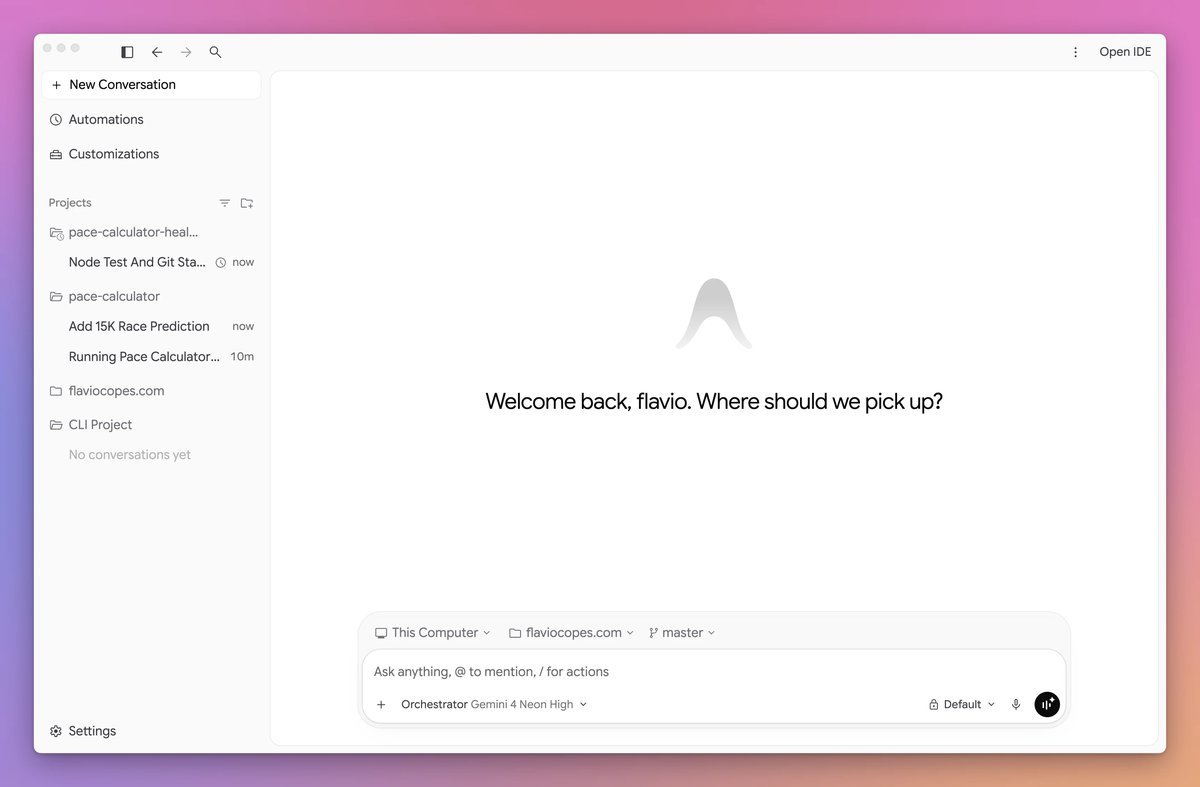
Gemini is the default, with Claude models as an option. The tester mostly uses Orchestrator, which pairs two models in one conversation. A planner, Gemini 4 Neon by default, explores the code, writes the plan and reviews progress. An executor, Gemini 4 Hydrogen by default, handles searches, edits and tests. If a check fails twice, control goes back to the planner. Claude Opus 5.5 and Claude Sonnet 5.5 can fill either role.
Some models are on the way out. Gemini 4 Argon, Gemini 3.8 Flash, GPT-OSS 120B and the older Claude 4.6 models are scheduled to leave on November 30, 2026.
Quota counts the agent’s work, not prompts. Free and Google AI Plus plans refresh weekly. AI Pro refreshes every five hours up to a weekly cap, and AI Ultra gets the highest limit. Google doesn’t publish numbers, and credit overages are off by default.
Permissions and the sandbox
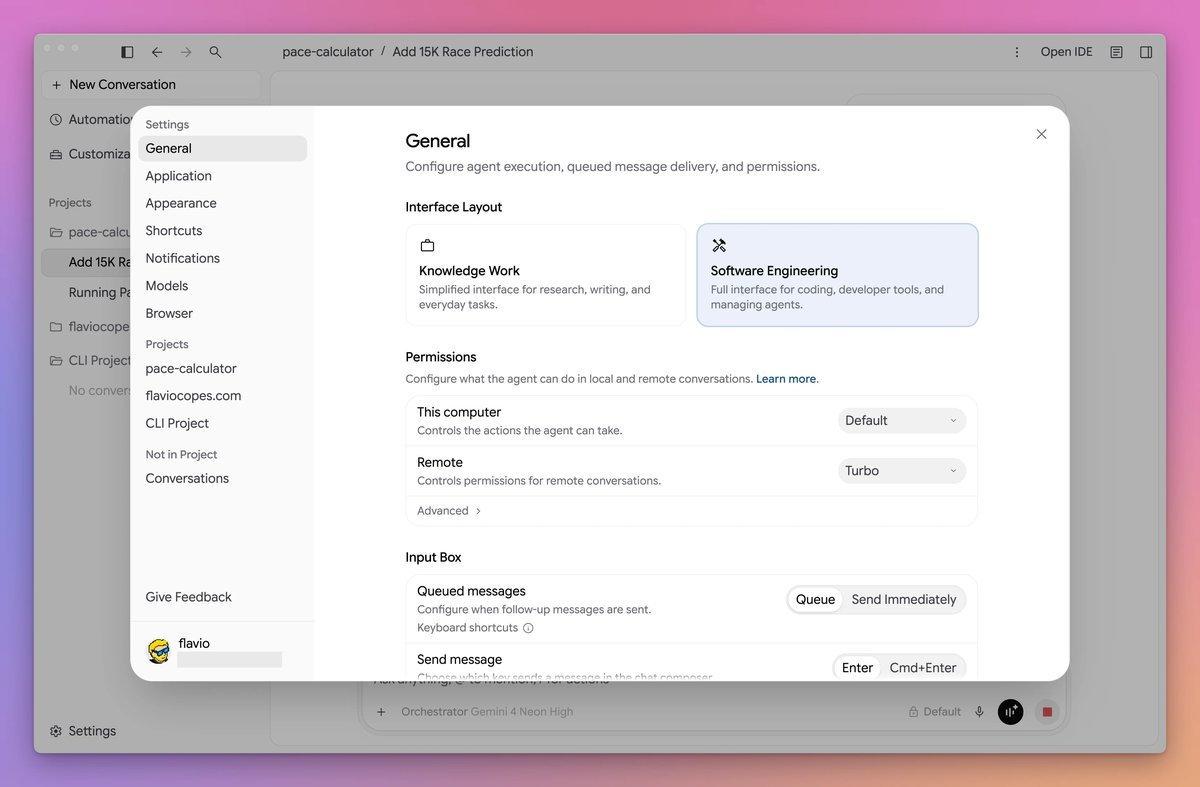
Presets control what the agent may do unasked. In the Default preset, the terminal sandbox uses what the OS already provides: Seatbelt on macOS, namespaces on Linux and an AppContainer on Windows. Commands can write to the project and caches but can’t touch ~/.ssh or .env files, and they get no network except allowed domains. So node –test runs freely while npm install asks first.
Rules can allow, ask or deny, and deny wins. The tester recommends the Turbo preset, which skips the sandbox, only in throwaway folders or a VM.
Rules, skills and plugins in Google Antigravity
The agent reads AGENTS.md and GEMINI.md, the same convention other agents use. Rules can load conditionally by file pattern, and rules share a 20,000-token budget. Typing /learn turns corrections into rules or skills.
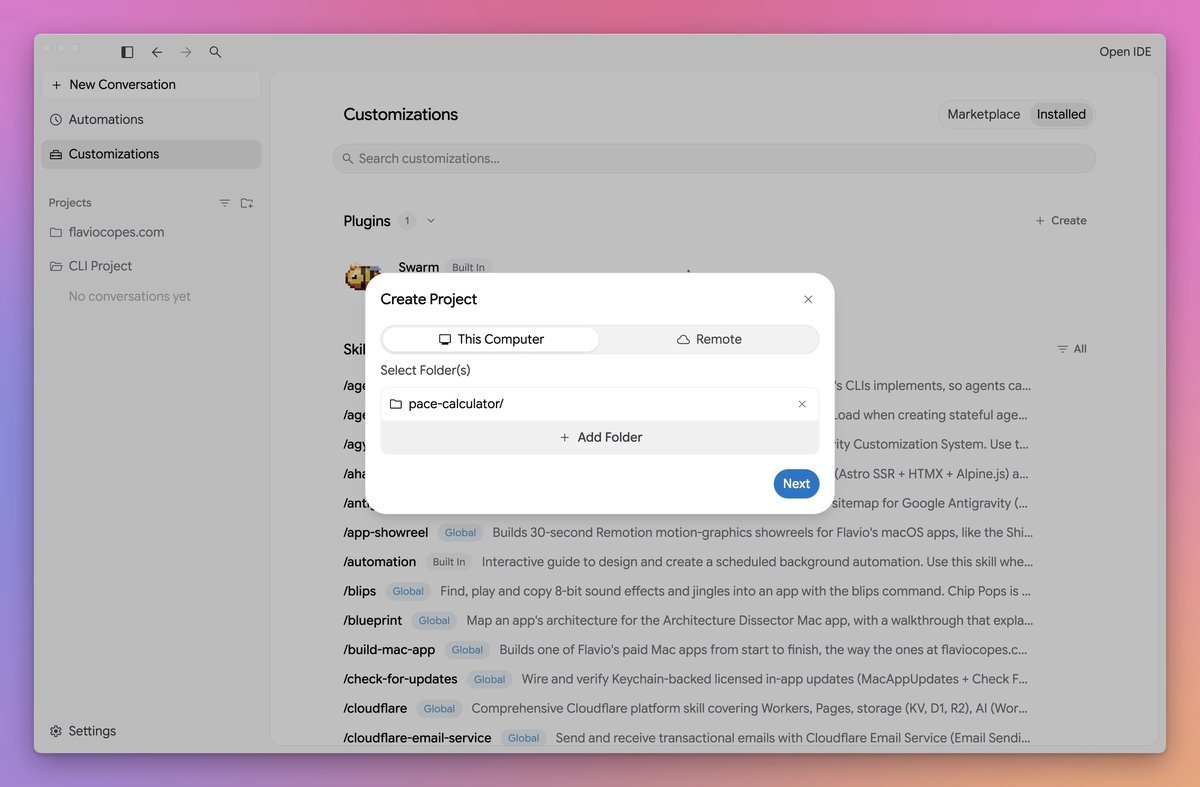
Skills follow the open Agent Skills standard. They’re folders with a SKILL.md, and the agent sees only names and descriptions until a task matches. When the tester asked for a 15K race prediction, the agent opened the project’s add-race-distance skill on its own, computed the expected time of 1:16:51 in Python and finished in about a minute.
A Marketplace offers one-click plugins from Google (Firebase, Workspace, the Gemini API) and third parties such as Figma, Linear, Stripe and Vercel. MCP servers load lazily, so ten connections don’t flood the context. Remote servers must use Streamable HTTP, not the older SSE transport.
What to try first in Google Antigravity
Start with /plan, review the diff in the built-in Review pane, and write one short rule for any mistake the agent makes. Remote agents that keep running with the laptop asleep are rolling out to personal Pro and Ultra accounts.
Source: flaviocopes.com