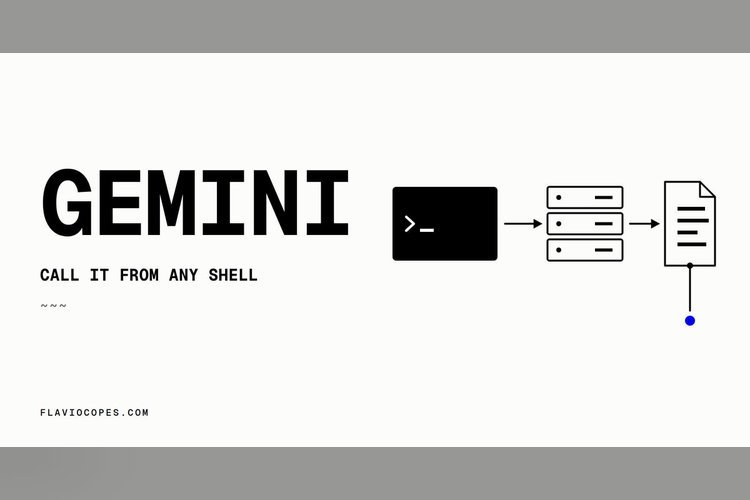
Google has put out a beta command-line tool, the Gemini API CLI, that lets you query Gemini models from any shell. The binary is named gemini-api. Written in Go and released as open source on October 27, 2026, it needs nothing else installed and handles text, pictures, voice, music, video and managed agents.
Its main audience is coding agents with shell access, including Claude Code, Codex, Cursor and Antigravity. A person typing in a terminal or a build pipeline can use it just as easily.
A stateless client, not another coding agent
The new CLI is separate from @google/gemini-cli, Google’s interactive coding agent. The Gemini API CLI keeps no session state. Your own agent invokes it whenever it wants a model answer, a generated file or a long-running task.
Requests all go through the Gemini Interactions API, so a single binary and one login cover every media type. Some design choices make the commands easy to chain together:
- Generated media is saved to a file, and the only thing printed is where it went.
- –dry-run checks your flags and shows the request it would send, with secrets masked, without going online.
- -o json and –jq give structured results without a separate jq process.
- Nothing asks questions mid-run unless you add –interactive.
- –usage and –schema describe every command and request format with no network call.
Installing it and setting a key
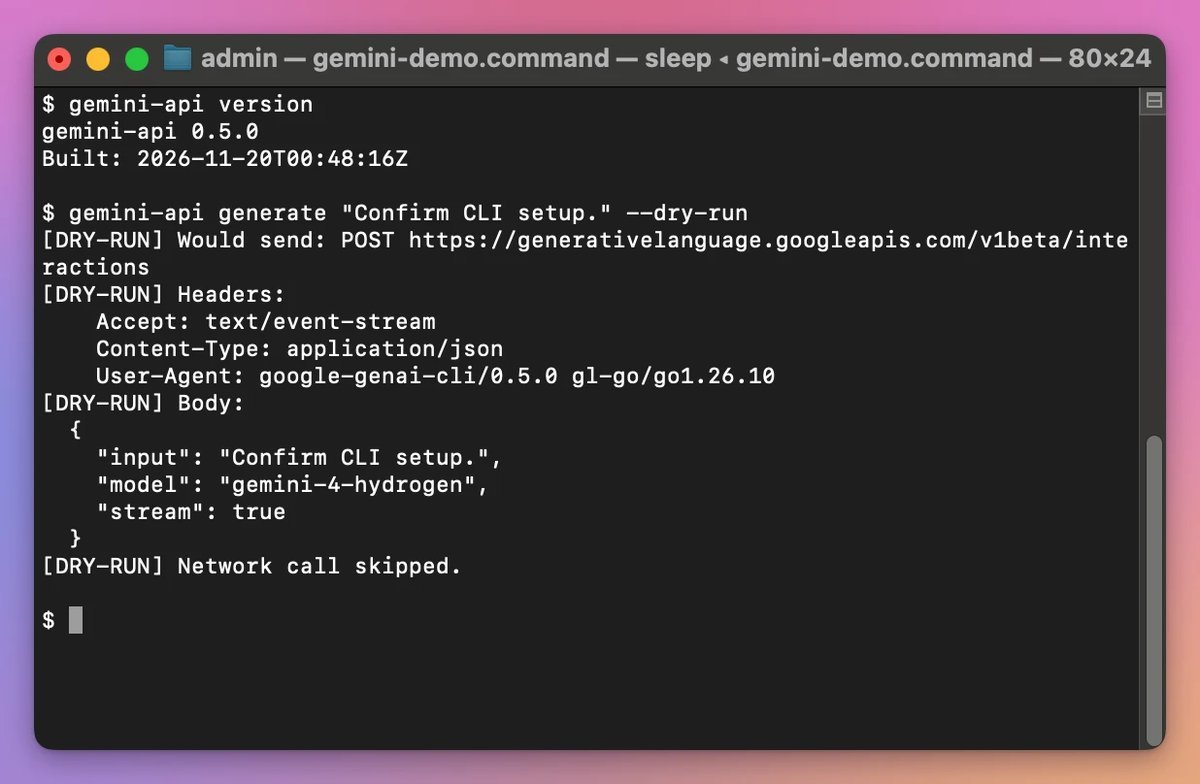
On macOS or Linux, a script fetches a prebuilt binary and drops it in /usr/local/bin or ~/.local/bin. People with Go 1.26.10 or newer can use go install instead. The tool is still in beta, so build scripts should fix a release through the GEMINI_VERSION variable. The current release is v0.5.0.
Keys come from Google AI Studio. In CI, set GEMINI_API_KEY as an environment variable. On a personal machine, gemini-api configure saves the key to the operating system keychain. The whoami command reports which credential is in use, and a dry run prints the request body headed for v1beta/interactions while staying offline.
A warning for people using monthly API credits from Google AI Pro or Ultra plans: AI Studio’s spend caps measure total usage before credits are subtracted, so a $0 cap stops paid requests immediately. Set the cap slightly under your credit balance so bursts don’t spill onto your card.

What it can do
The generate command accepts piped input with –stdin, and –body lets you set any field the Interactions API supports, such as a JSON Schema for structured replies. In one example, eight git commits were sorted into categories and counted, and clean JSON came back after 2.56 seconds. That call used 502 input tokens, 408 thinking tokens and 51 output tokens. Setting the same key through a flag and through –body makes the command quit with code 2.
The image command wrote a 16:9 illustration in 16.03 seconds, giving an 866 KB JPEG. Passing that path back with -i edited it into a night scene in 13.81 seconds, with every object kept in place. The path-in, path-out design means iterative editing fits in two lines of shell.
Other commands include:
- tts writes 24 kHz mono WAV files with gemini-3.8-flash-tts and supports style directions, custom voice prompts and two-speaker scripts. A short dialogue took 3.84 seconds.
- music uses lyria-3.5. A request for a lo-fi loop returned a 3.7 MB stereo MP3 running 2 minutes 39 seconds in 36.06 seconds.
- video runs on gemini-omni-1.2-flash and waits for the clip to finish rendering. With –async it hands back the interaction ID instead.
- transcribe turned that dialogue into .srt subtitles with separate speakers in 1.38 seconds.
- analyze reads images, PDFs, audio, video, CSVs, text and public YouTube links, and several files can be compared in a single call.
Anything up to 14 MB is sent along with the request. Bigger recordings should be uploaded first with files upload –wait, and the resulting files/ address can feed both analyze and transcribe. Uploaded files vanish after 48 hours.

Background agents and scheduling
The Gemini API CLI also handles long jobs without blocking the calling agent.
An agent can start a managed Gemini agent with –background, note the interaction ID and keep working. One example runs a deep-research-preview-04-2026 agent to compare vector index benchmarks. gemini-api agent status checks progress and agent cancel stops a job. Recurring jobs can be set up with the triggers and webhooks commands, which add cron schedules and callbacks.
Each task has a default model, and -m swaps it, for instance to Gemini 4 Neon when a job needs more reasoning.
What it means for developers
For anyone already scripting model calls, the Gemini API CLI replaces custom glue code with one documented tool.
The practical gain is fewer moving parts. A pipeline that once needed remote GPU notebooks, separate transcription and voice-cloning models and ffmpeg stitching can shrink to a voice-creation call plus one tts call per segment. Since the tool is still in beta, expect flags to change, and pin versions before relying on it in production.
Source: flaviocopes.com