Automated fuzz testing gets a safety upgrade with Prospero, a coding tool that can run an AI agent inside a no-network Docker or Podman container. The agent sets up and runs a fuzzing campaign on your repository, any damage stays trapped in the container, and the bug fixes it commits flow back out. Its developer says it is the only AI tooling with this capability.
Why fuzzing needs a cage
Fuzz testing pushes a program into undefined behavior on purpose, which can have unpleasant side effects on the host machine. AI coding agents add a second risk. They aren’t malicious, but like people they make mistakes, and they can destroy or leak data they have access to.
Sandboxes and permission systems in a coding tool are meant to communicate intent and catch simple errors. They can’t contain an agent that is allowed to run arbitrary code as part of its work. Prospero’s developer advises assuming an agent can do anything its host tool can do.
How Prospero’s container host works
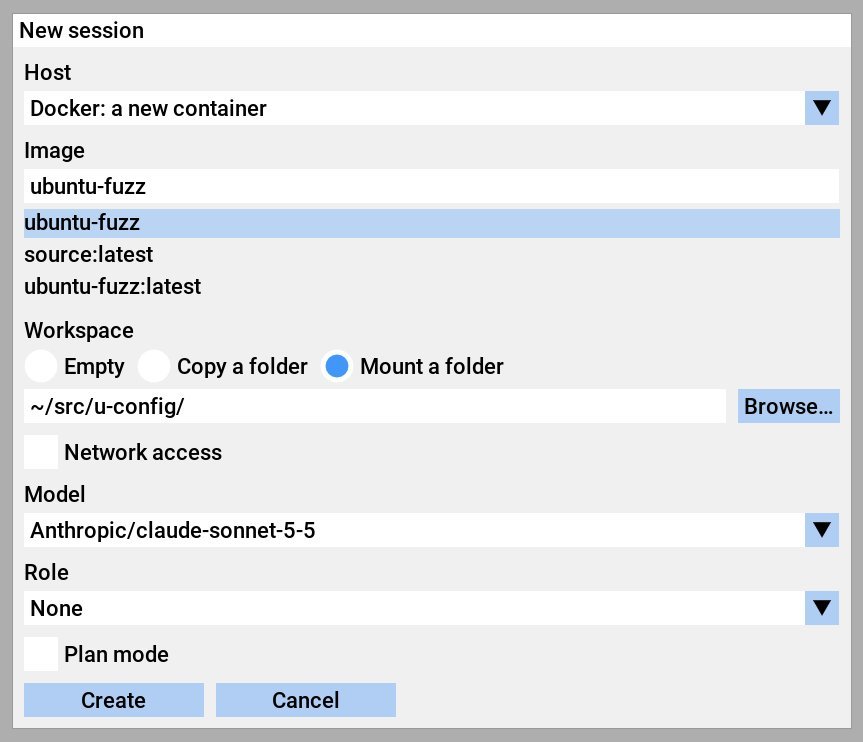
When you start a session, you pick “new container” as the host, then choose an image, whether networking is on, and what goes in the workspace. You can hand the agent a copy of the repository or mount it inside the container. Mounting is the recommended route because the agent can commit fixes directly and you don’t need another way to get them out. If you worry about the agent changing or deleting repository contents, give it its own clone rather than a worktree.
Without networking, the agent can’t push or pull, but you can.
Prospero builds the container around a headless runtime precompiled for Linux. Only the Professional Edition ships with these headless runtimes. The graphical app connects to that runtime through a pipe and presents it like a normal local session. It also relays the container’s AI chat completions, which is how the agent works with no network of its own.
If you grant permission, the relay also passes through web search and web fetch requests, giving the agent narrow internet access for tasks like looking up information or downloading a dependency. Close the GUI and the runtime keeps working until it needs the relay, then it pauses and waits.
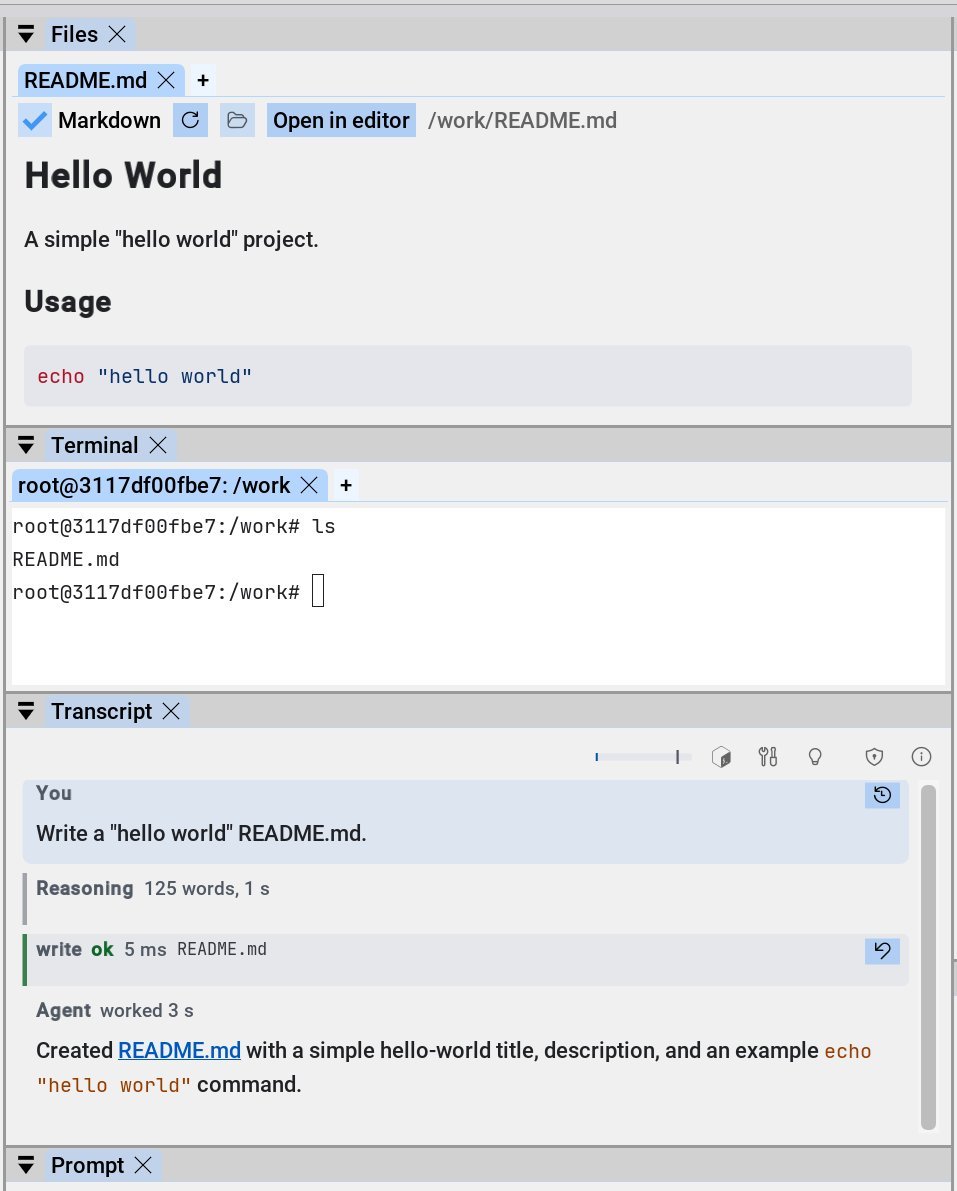
With a mounted workspace, anything you drop into the directory on the host appears for the agent. The terminal pane gives you a shell inside the container, and the files pane works fully, including “Open in editor” for mounted containers.
Building the image
The one-time setup is an image containing what an agent will need: compilers, fuzzers, debuggers, build tools and dependencies. A minimal example for C and C++ starts from Ubuntu 26.04 and adds build-essential, clang, lld, cmake, ninja, gdb and related packages, then compiles AFL++ 5.03c from source alongside libFuzzer support. The author builds AFL++ by hand because no Linux distribution has shipped a working package for some years. Having both GCC and Clang lets you catch different defects, since they instrument code differently.
The image also sets sanitizer options as hints for the agent. You can instead describe your situation to an agent and let it write the image for you.
The prompt and the models
The prompt can be short. It asks the agent to add libFuzzer and AFL++ tests, run a campaign under ASan, UBSan, -D_FORTIFY_SOURCE and -D_GLIBCXX_DEBUG, and fix and commit findings as they appear. For larger projects, Plan mode may help. Start a long campaign before bed and you might wake up to fix commits. The container runtime can also use skills from your host through the relay, so a frequent workflow can become a skill.
Mid-tier models are generally enough to drive a campaign, and even weaker or local models often work. Writing fuzz tests and fixing the bugs they find, such as off-by-one errors, doesn’t demand much. The bigger problem is refusals. Many models are trained to treat fuzzing as an offensive tool, when it is ordinary testing used by anyone serious about software quality.
Where to try it
If your own projects aren’t a good fit, pick an open source project that has seen little fuzzing. Containment keeps the risk low, and the fixes tend to be simple enough to send upstream. To see it in action quickly, the developer suggests GNU Recutils. Its latest release, 1.9, is full of easy targets, and within minutes you can expect a dozen commits fixing buffer overflows and similar bugs.
The real test of this approach is how many of those fixes maintainers accept, and whether more agent tools adopt the same contained-by-default design.
Source: nullprogram.com