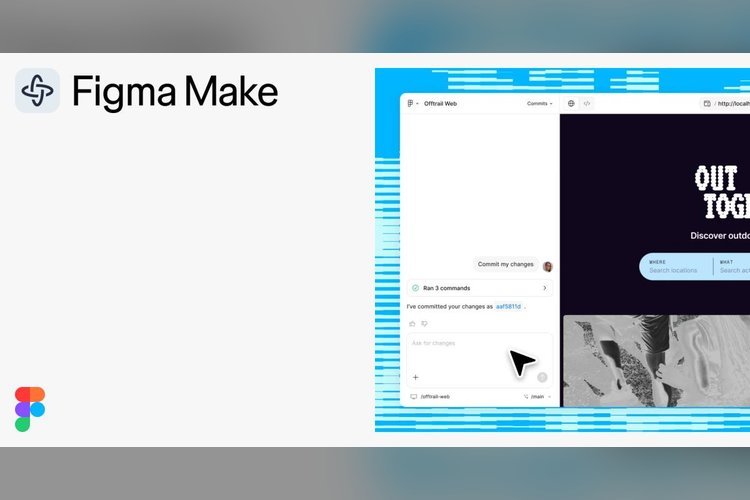
Figma Make is the company’s AI tool for turning ideas into working prototypes, and its product page now lays out a long list of features. Users can start from a prompt, a codebase or a set of design assets, then edit the result on the canvas or in the live preview.
The pitch is “Prototype. Polish. Ship.” Two capabilities are still labeled coming soon, so here is what exists and what doesn’t yet.
How a project starts
You can begin from scratch or from what you already have. Design systems come in through Make kits and npm packages, and you can attach Figma frames, PDFs, images, videos, audio and text files to a prompt to steer the AI toward better results.
Npm packages, library styles and guidelines can also sync directly with Figma Make, which the company says helps Make generate high-fidelity prototypes. That matters for teams with an established component library, since the output starts closer to their real product.
Prompts can be typed or dictated. The tool accepts voice input for describing a prototype.
Plan first, then generate
Before generation starts, you can ask for a structured, editable plan. Clarifying intent up front gives you a chance to correct the direction before the model produces anything.
A planning step is a practical answer to a common complaint about prompt-based tools: a vague request produces a confident but wrong result, and fixing it costs more than asking again.
Editing on the canvas and in the preview
Make files can be copied to the canvas, where designers can adjust them until they’re right. In the preview, you can click an element to restyle it, swap it or prompt for a change.
There is also a batch option. You select elements, write prompts for each and send all the changes to the model at once, rather than one request at a time.
Other editing features include:
- Custom fonts, added from your computer or shared across your organization
- A history of every AI and manual edit, where you can preview, favorite or restore any iteration
- Reusable instructions that package frequent workflows, so one Make becomes a repeatable process
From frontend to backend
Many AI prototyping tools stop at the interface. This one reaches further, which is why the company describes the path as prototype, polish and ship.
Figma Make isn’t limited to screens. You can generate and design a frontend, then create a backend to manage its content. That moves the tool from a visual mockup toward a small working app.
It can also connect to outside tools through MCP. Documents, tasks and data from other apps can serve as context for the app or prototype you’re building. If your team keeps requirements in a task tracker or a document, that material can feed the build directly.
Collaboration and mobile
Review is built into the workflow. Teammates can leave comments on a prototype, and the author can reply without leaving the project.
People can give and receive feedback on a prototype or web app built in the tool. On a phone, you can open a Make and use it natively, and view and respond to comments in context. That suits quick review rounds away from a desk.
What is still coming soon
The product page is upfront about this split, and it’s worth reading closely before planning a project around the tool.
Two items carry the coming soon label. The first is a local mode: the company says you will be able to use Make locally to build in any codebase and ship straight to production. The second converts Figma designs into localized, production-ready assets in Make’s visual software editor.
Neither has a stated date. Until they arrive, the claim that Make can take work all the way to production rests on those two unfinished pieces.
For design and product teams, the near-term use is clear: fast, realistic prototypes grounded in an existing design system. Whether Figma Make can handle shipping real code will depend on how the local mode performs once it launches.
Source: Figma