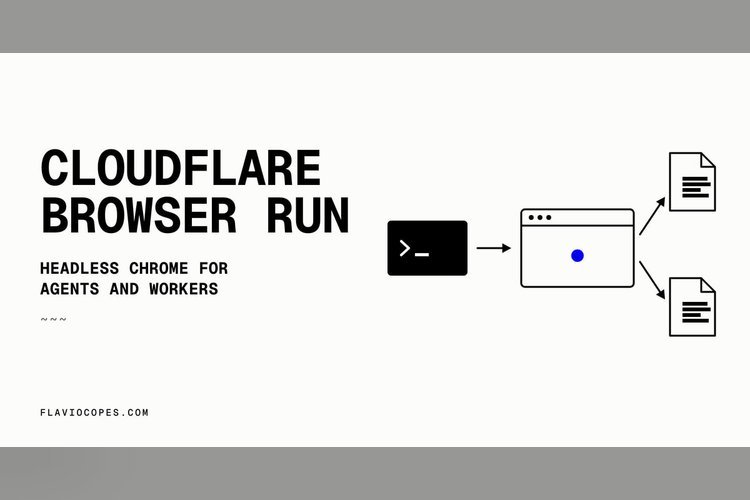
Cloudflare Browser Run is a hosted headless Chrome service. You request a browser, it starts on Cloudflare’s network, does its job and shuts down. It was previously called Browser Rendering, and the old name still appears in the API token permission and in the crawler’s user agent.
It targets two groups: developers whose AI agents need a browser to drive, and web apps that need screenshots, PDFs or rendered HTML.
The problem Cloudflare Browser Run addresses
Plenty of web tasks need a real browser. A JavaScript-heavy page returns an empty root element to a plain fetch. Screenshots need a rendering engine, and print-quality PDFs need Chrome’s print pipeline. An agent that fills forms or reads a dashboard has to click through a page.
Running Chrome yourself is painful. It’s too big for a Worker and barely fits in a Lambda function. It uses a lot of memory, and a leaking page can take your process down. You need servers, a pool, a queue and something that kills zombie processes. Going from 1 browser to 50 means servers that sit idle later.
Browser Run moves that to Cloudflare and bills for the seconds a browser is open. Agents running on a server or in a scheduled job have no local Chrome to drive, so this gives them one behind a URL and a token.
Quick Actions or sessions
There are two feature families. Quick Actions are one-shot calls: send a URL or raw HTML with some options and get a result back. The set covers content, screenshots, PDFs, markdown, snapshots, scraping, json, links, the accessibility tree and crawling. Sessions give you an interactive browser. The sensible order is a Quick Action first, and a session only when the page needs interaction.
In a Worker, add a browser binding to the wrangler config. During development, set remote to true. Otherwise wrangler dev points Quick Actions at a local Chrome, and the json action hands back placeholder data shaped like your schema instead of calling a model. The quickAction() method needs a compatibility date of 2026-03-24 or later.
What the Quick Actions do
The markdown action is the likeliest pick for agents, since it gives a model clean context without scripts or CSS. It converts the whole page, banners and sponsor links included, and puts page metadata in a frontmatter block. Pairing it with rejectRequestPattern filters out the noise.
Every response carries an x-browser-ms-used header with the milliseconds of browser time billed. One markdown call cost 588.5 ms. A screenshot at 1280 by 800 finished in 1.8 seconds overall, with 531 ms of browser time. The default viewport is 1920 by 1080, and quality settings work only with JPEG, because PNG returns a 400 error.
The links action returned 135 absolute URLs from one home page in 1.7 seconds, with options to exclude external links or hidden ones. The json action loads a page, hands it to a model and returns data matching a JSON schema. A test took 5.5 seconds, with only 668 ms of that in the browser. By default it uses Llama 3.3 70B on Workers AI, charged as Workers AI usage in addition to browser time. A custom_ai list can swap in other models with fallbacks.
- content returns HTML after JavaScript runs, useful for pre-rendering single-page apps.
- pdf prints with Chrome and accepts margin, header and footer templates, and injected print CSS.
- scrape returns text, HTML, attributes and position for CSS selectors.
- accessibilityTree gives a compact page view for agents.
- snapshot yields several output formats from a single page load.
- crawl follows links or a sitemap as an asynchronous job.
The default waitUntil is domcontentloaded, which is the usual reason a single-page app comes back empty.
REST, crawling and the rules
Each Quick Action is also a REST endpoint under the Cloudflare API, so Node servers, Python scripts, GitHub Actions and n8n can call it with a token that has the Browser Run Edit permission. The crawl endpoint starts a job, returns an ID and is polled for results, which stay available for 14 days. Setting render to false skips the browser and is free during the beta.
The crawler respects robots.txt and crawl-delay, pauses 0.5 seconds between hits on one domain, announces itself as CloudflareBrowserRenderingCrawler/1.0 and follows Content Signals. A site that says no AI training gets refused if the crawl lists ai-train as a purpose.
Puppeteer, Playwright and CDP
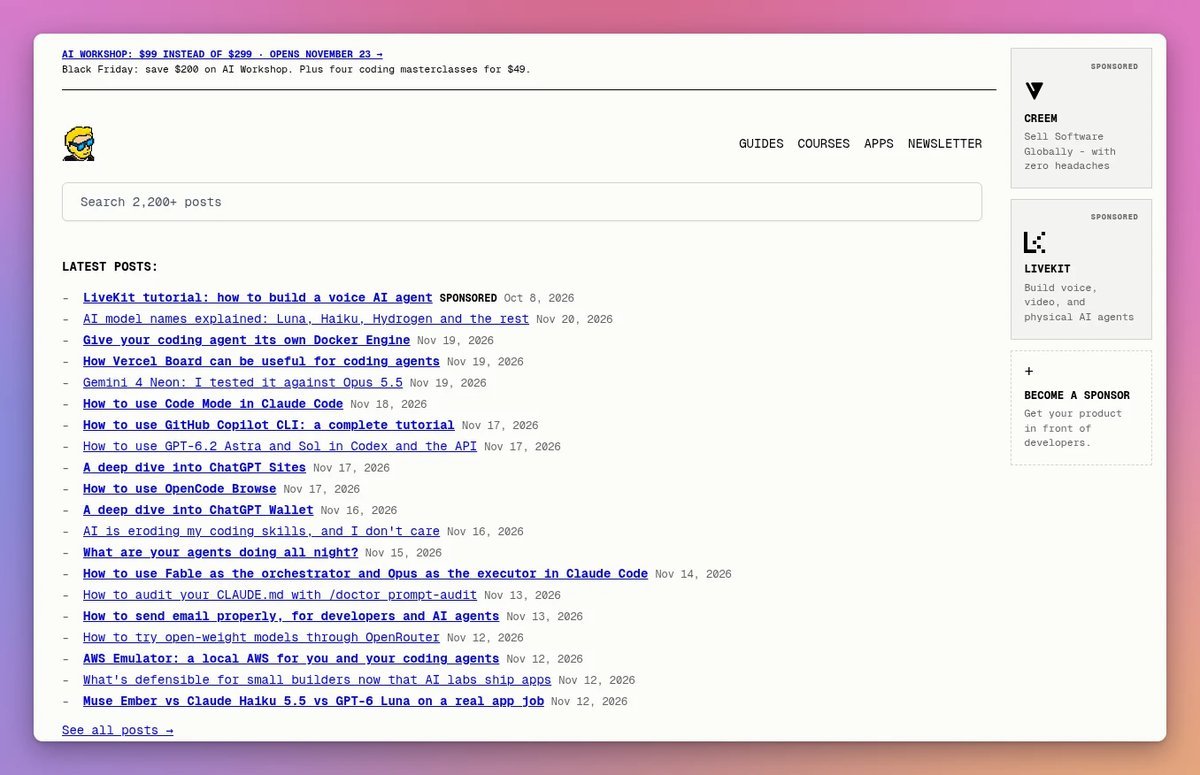
For clicking and typing, Browser Run ships its own Puppeteer fork, @cloudflare/puppeteer. A smoke test opened a home page, clicked through to the blog, found 100 posts and collected four invisible console errors styled with font-size:0, the sort of fault a scheduled check catches and a person doesn’t. It took 7 seconds.
Always call browser.close(). A forgotten browser stays open for the 60-second idle timeout and you pay for it. A paid account showed a limit of 200 concurrent sessions, readable with puppeteer.limits(). To avoid slow starts, set keep_alive (10 seconds to 20 minutes, an idle timeout) and reconnect with disconnect() instead of close(). Playwright is supported through @cloudflare/playwright, but Firefox, video recording and the complete Playwright Test runner are not available.
Browser Run also speaks the Chrome DevTools Protocol through a WebSocket, so any CDP client, including puppeteer-core on a laptop, can drive a Cloudflare-hosted browser.
Where to start
Cloudflare Browser Run suits teams that don’t want to operate Chrome. If you’re building an agent that needs web access, try the markdown and accessibilityTree actions first, log the browser-time header to learn your costs, and reach for sessions only when a page needs interaction. Watch the beta pricing for the free non-rendered crawl before relying on it.
Source: flaviocopes.com