Claude Code, Anthropic’s coding agent, reads your files, edits them, runs your tests or build, and fixes the errors it hits. This Claude Code guide walks through setup, models and effort levels, project rules, permissions, parallel sessions and the commands that save the most tokens, based on version 2.1.330.
You can use it from a terminal, the Claude desktop app, an editor, a browser cloud session or a phone. All five interfaces talk to the same agent loop, so the choice is about habit.
Pick an interface and install
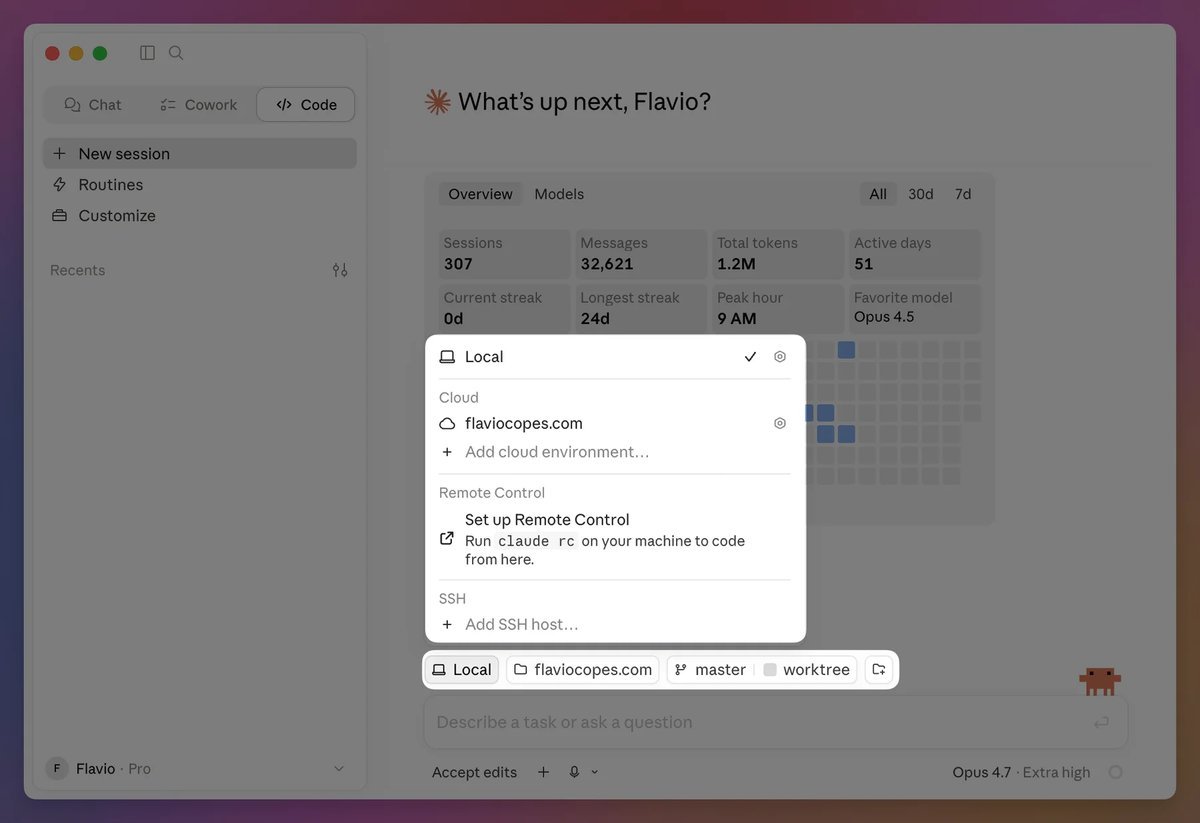
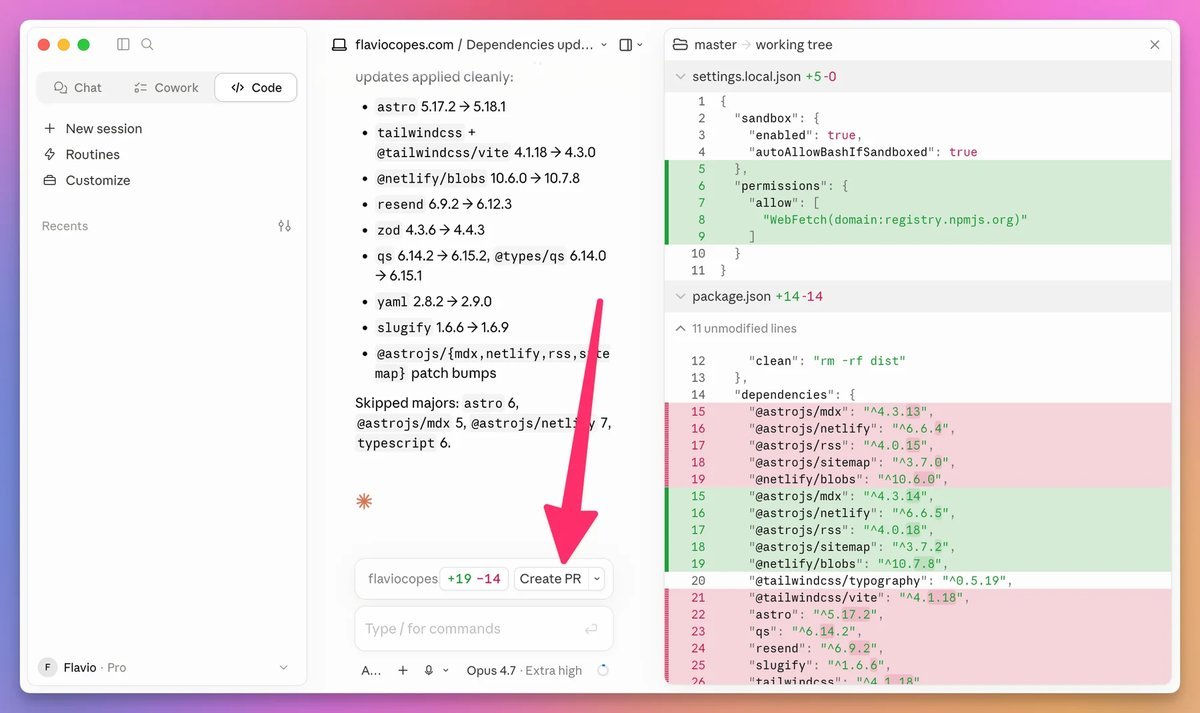
If you don’t live in a terminal, start with the desktop app. Switch to Code and choose an environment: a local folder, an isolated git worktree, the cloud, SSH, or a local terminal linked through Remote Control. When a task ends, the diff view lets you inspect each line, leave inline comments and open a pull request.
The CLI gets new features first. On macOS, Linux and WSL, the native installer is a one-line shell script from Anthropic. Homebrew users can run brew install –cask claude-code, and Windows PowerShell has its own installer. Keep one installation method only, so your shell doesn’t switch between two binaries. Native installs update themselves, and claude doctor checks your setup.
On first run you sign in with a Pro, Max or Ultra subscription or an Anthropic Console API key. Claude asks whether you trust the folder, and you should accept only for repositories you know, since project settings and hooks can run commands.
Give it tasks that include a way to check its work, such as writing a module, adding tests and running them. You still have to read the diff. Passing tests won’t reveal a misread requirement or an unrelated file it rewrote.
Models, effort and usage
This part of the Claude Code guide matters most for your bill.
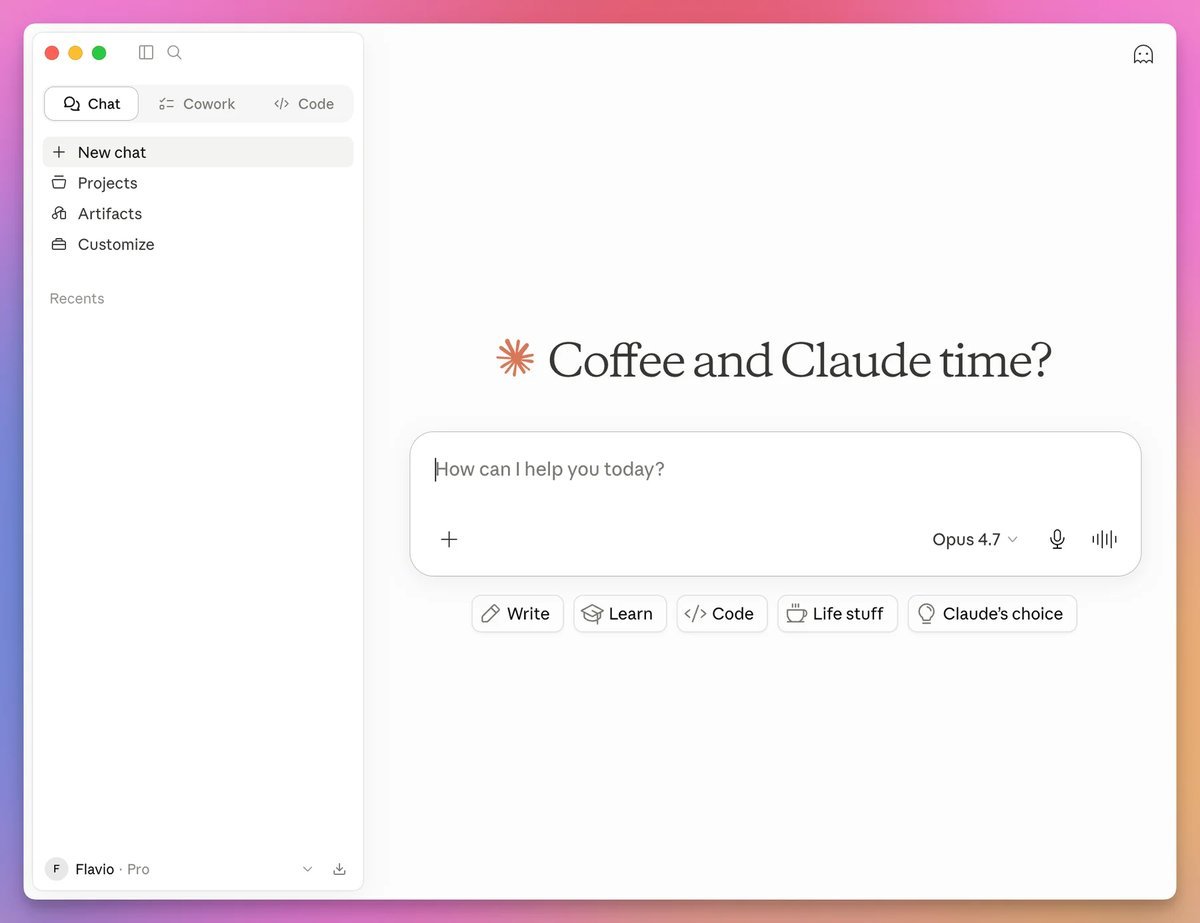
Model and effort are the two dials for quality, speed and plan usage. Type /model in a session to change them, or use the –model and –effort flags. Effort has five levels: low, medium, high, xhigh and max.
The guide’s advice is to raise effort before moving to a pricier model. Moving Opus 5.5 from medium to high often fixes a hard bug without touching your Fable quota. The /usage command shows weekly use, with a separate Fable limit, and points at habits that burn tokens. Its top tip on the author’s machine was to start fresh when switching tasks with /clear, because every turn re-reads the whole conversation.
Teach it your repo with CLAUDE.md
Put permanent rules in a CLAUDE.md file at the repository root and Claude loads it each session. Run /init to generate a starter, then cut anything obvious or wrong. Keep the commands, conventions and boundaries that matter, such as the build command or a rule to ask before adding a dependency. Personal rules go in ~/.claude/CLAUDE.md.
One trap: if a repo uses AGENTS.md for other tools, Claude Code ignores it unless CLAUDE.md imports it with a line reading @AGENTS.md. These files also go stale, so run /doctor prompt-audit after a refactor or model upgrade. It checks paths, scripts and rules against the repo and proposes a diff.
CLAUDE.md is guidance, not enforcement. To block a command or protect a file, use permissions or a hook.
Context and undo
Run /context when a session feels slow or costly. A fresh Opus 5.5 session with a 1M-token window starts at 31.2k tokens, leaving 935.8k free before auto-compaction. With 110 MCP tools configured, startup cost stays low because tool definitions load only on demand. Earlier versions put every schema in the first turn and used about 20k tokens.
Use /clear between features, or /compact to summarize older turns. From the shell, claude -c continues the latest session and claude -r lets you pick an older one. /rewind restores files edited by Claude’s own tools, but it can’t undo a database migration or a git push, so commit at clean milestones.
Permissions and safety
By default Claude asks before editing files or running shell commands. Press Shift+Tab to cycle permission modes, or inspect rules with /permissions. Rules live in ~/.claude/settings.json for the user or .claude/settings.json for the project.
For untrusted repositories there are two flags. –restricted removes Bash, code-running tools and WebFetch, ignores settings and confines file tools to the working directory. –safe-mode disables CLAUDE.md, skills, plugins, hooks and MCP servers when you’re debugging a broken config.
Worktrees and background sessions
Two sessions editing one directory will overwrite each other. Run claude -w demo-greet to get an isolated worktree on its own branch. Add –bg to start a session in the background and get your prompt back. These commands manage background work:
- claude agents opens the agent view.
- claude logs <id> prints recent output.
- claude attach <id> opens the live session.
- claude stop <id> pauses it and keeps it resumable.
- claude rm <id> removes it and cleans up the worktree.
One catch: –bg refuses to start in a folder you haven’t opened interactively and trusted once.
What to try next
The guide goes on to cover non-interactive runs with -p, skills, subagents, hooks, plugins and MCP servers. A sensible order for newcomers is to install the CLI, write a short CLAUDE.md, keep effort low until a task proves hard, and add worktrees once you run more than one session at a time. This Claude Code guide’s central habit is simple: give each task a check, read the diff, and clear the session between jobs.
Source: flaviocopes.com